
Free · No Sign-Up · Instant SVG & PNG
Transform any emoji into clean SVG vectors and high-resolution PNG images without pixelation, messy paths, incorrect colors, or rough edges. Perfect for creating stickers, T-shirts, print and web designs, Cricut projects, and laser engraving or cutting.
Quick Guide
Follow three simple steps to convert any emoji into resolution-independent vector graphics for laser engravers, vinyl cutters, or design projects.
Copy (Ctrl/Cmd + C) and paste any emoji into the converter input field or click one of our popular quick-select preset buttons (such as 😍, 🚀, 🔥, 🌈, 👑). The converter instantly recognizes your input.
Select Original Full Color for vibrant web & graphic vector art, or switch to Laser Engraving (B&W Silhouette) mode to create clean single-color path outlines ready for laser cutting & CNC carving.
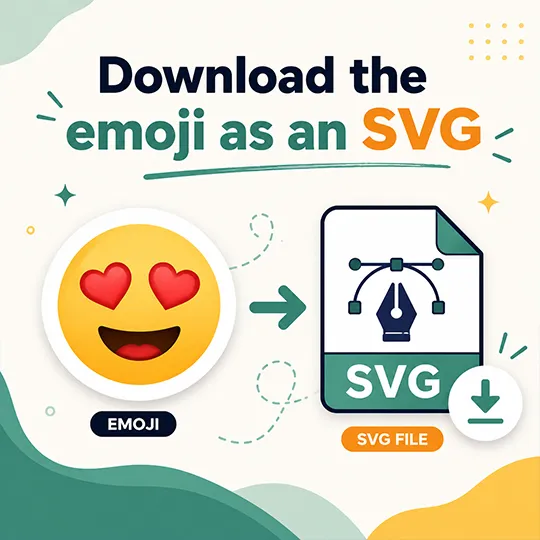
Click Download SVG to save the raw vector .svg file, compatible with Adobe Illustrator, Photoshop, LightBurn, Glowforge, Cricut, CorelDRAW, Figma, Inkscape, and Affinity Designer. You can also export a crisp PNG image with up to 4K resolution (2048×2048 px).
Ideas & Applications
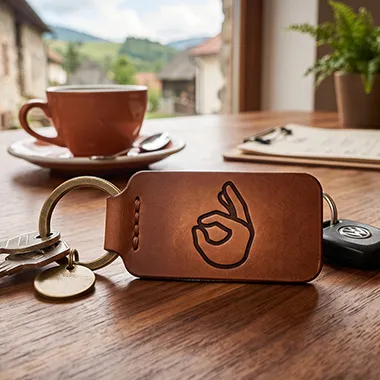
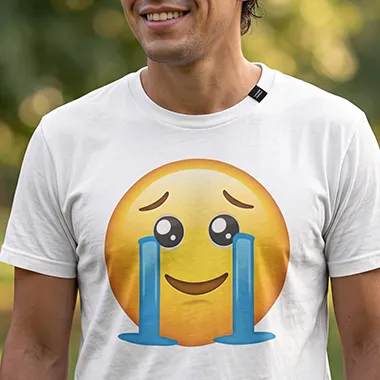
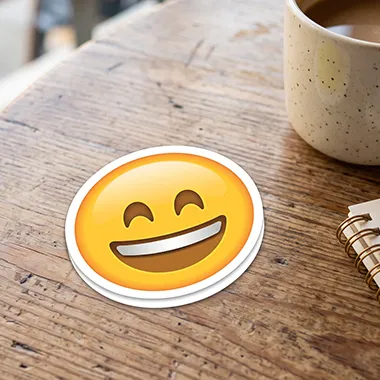
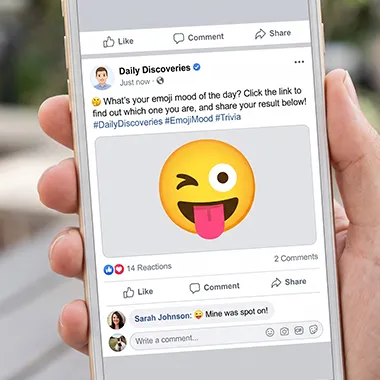
Emoji vector paths are widely used for custom laser engraved products, merch printing, vinyl stickers, social media graphics, games, and business cards.
Scalable Vector Format
Emojis have become a universal language. We use them in messages, presentations, websites, marketing materials, and even product designs. However, once you need to use an emoji outside of a chat application, you quickly run into limitations.
An emoji copied from your phone isn't always suitable for printing, graphic design, or professional projects. It may appear blurry when enlarged, look different on another device, or simply not be available in the format you need.
That's where an Emoji to SVG converter becomes valuable.
By converting an emoji into SVG (Scalable Vector Graphics), you get a file that stays perfectly sharp at any size, is easy to edit, and works across many design tools and cutting machines.
Try Emoji Converter →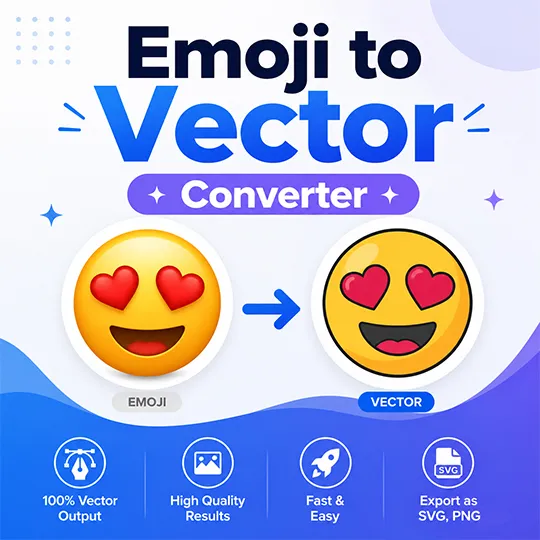
Built for Creators
Convert your favorite emojis into clean, scalable vector graphics in seconds. Create high-quality SVG files that are ready for design, printing, stickers, websites, and creative projects.
Get smooth, optimized vector files instead of blurry images. Your emoji stays sharp at any size and is ready for professional use.
Use your emoji vectors in Illustrator, Figma, Cricut, print projects, websites, and more. Export files that work wherever you need them.
No design skills required. Upload or select your emoji, convert it, and get a usable vector file in just a few clicks.
Change colors, resize shapes, add effects, and personalize your emoji vector to match your creative ideas.
FAQ
It depends on the emoji source and its license. Some emoji designs are protected by copyright or belong to specific companies, so always check the usage rights before using them for products or commercial projects.
Open-source emoji sets, such as Google Noto Emoji, can be used more freely. Google Noto Emoji is licensed under the SIL Open Font License 1.1 (font files) and the Apache License 2.0 (source code and tools), allowing personal and commercial use in digital and print projects.
Our converter supports all standard Unicode emoji characters, including smileys, animals, objects, symbols, flags, activities, and food. You can paste any emoji directly from your keyboard or pick from our quick-selection presets.
You can download clean SVG (Scalable Vector Graphics) files, high-resolution PNG images (selectable up to 2048x2048 4K resolution), or copy raw SVG code directly to your clipboard for Figma or Adobe Illustrator.
Yes! 100% free with no sign-ups, no subscriptions, no watermarks, and unlimited conversions.
Emoji vector tools are used by many different creators, including:
Anyone who needs an emoji outside a messaging app can benefit from a scalable vector version.
Yes.
After conversion, you can customize the vector to match your project.
Common changes include:
Vector conversion gives you a starting point for creative editing.
Paste or type any emoji and download crisp SVG & PNG vector files instantly — free with no signup required.
Convert Emoji Now