Free Image Cropping Tool

Use our image cropping tool to quickly trim, resize, and focus your images exactly the way you want. It’s fast, free, and works directly in your browser—no downloads or design skills needed. Perfect for social media, websites, and everyday image edits.

UPLOAD IMAGE

Getting Started with our Image Cropping Tool

~ Upload Your Image ~

Click the ‘Upload Image’ button, choose an image from your device, and upload it to the image cropping tool.

~ Crop the Image ~

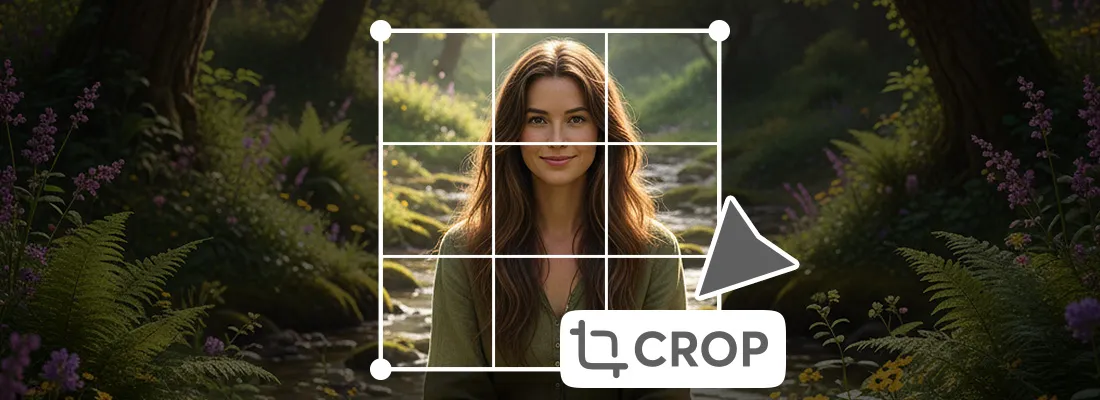
Select the area you want to keep by adjusting the crop box or choosing a preset ratio.

~ Download the Image ~

Preview the result and download your perfectly cropped image instantly.
free image cropping tool

What is an Image Cropper?

An Image Cropper is a tool that allows you to cut or trim unwanted parts of an image to focus on a specific area. It helps adjust image size, improve composition, and fit images to required dimensions without reducing quality. Image croppers are commonly used for social media posts, websites, profile pictures, and design projects, making images look cleaner and more professional.

Benefits of Using a Free Image Cropper

Completely Free to Use

Crop your images without any cost, subscriptions, or hidden fees.

Easy and User-Friendly

Simple tools make image cropping quick and accessible for everyone.

No Software Installation

Works directly in your browser, saving time and device storage.

Maintains Image Quality

Crop images without losing sharpness or clarity.

Supports Multiple Formats

Easily crop JPG, PNG, WebP, and other common image types.

Fast and Secure

Process images instantly while keeping your files safe and private.

FAQ

Why use an image cropper? - An image cropper helps you quickly remove unwanted parts of a photo, improve composition, and adjust dimensions to fit social media, websites, or other projects—making your images look clean, professional, and perfectly sized.

Is it safe to upload my images? - Yes, our free online image cropper processes your images securely, and we do not store your files. You can crop with confidence and privacy.

Can I crop images on mobile devices? - Absolutely! Our image cropper is fully mobile-friendly and works smoothly on smartphones, tablets, and desktops, so you can edit images anytime, anywhere.

Are there file size limits or limits on the number of uploaded images? - This app allows you to upload most standard image files. While extremely large files may take longer to process, there are generally no strict limits on file size or the number of images you can crop.

Can I crop images with transparent backgrounds (PNG)? - Yes! This online tool fully supports PNG images with transparent backgrounds, allowing you to crop without affecting the transparency of your image.

Can I preview the cropped image before downloading? - This image cropper lets you preview your cropped image in real time, so you can make adjustments and ensure it looks perfect before downloading.

Are there any hidden watermarks added to cropped images? - No, there are no watermarks. Your cropped images remain clean and ready to use.

Share This App

We appreciate it very much