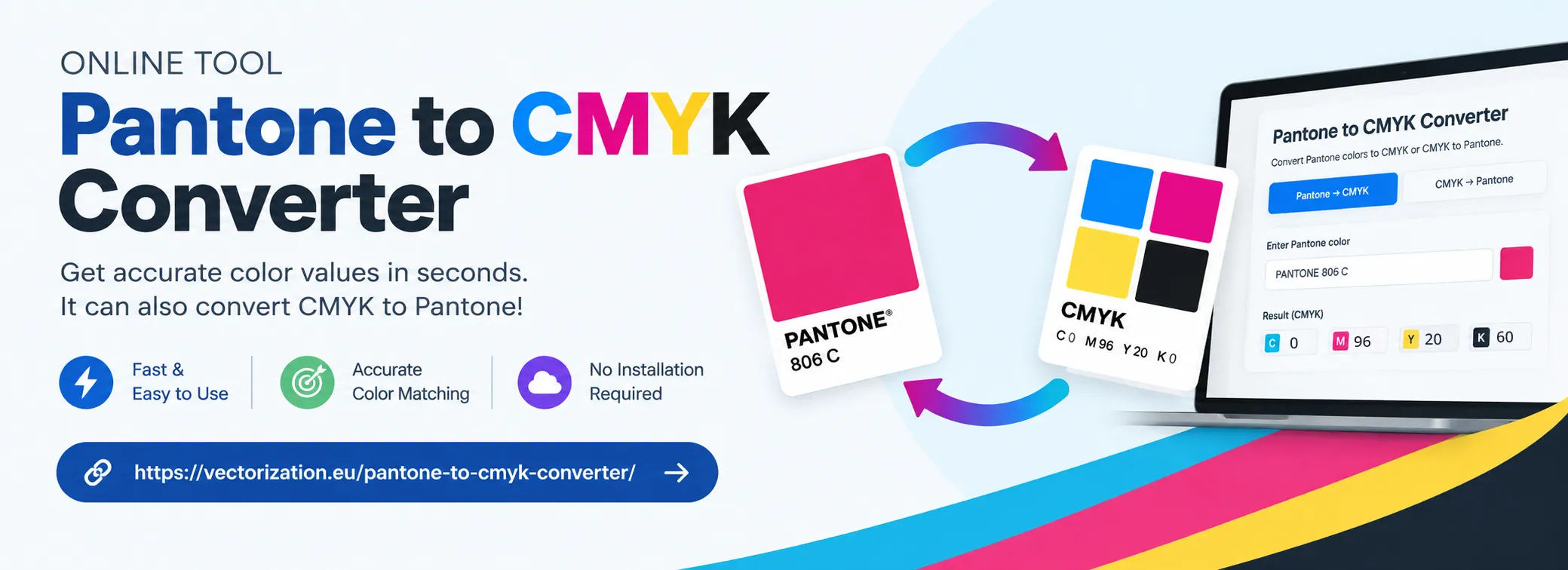
Welcome to our free two-way color conversion tool. Instantly convert Pantone (PMS) spot colors to 4-color process CMYK, or find the closest matching Pantone shade from any CMYK recipe. You can also explore matching RGB and HEX values for seamless digital and print workflow calibration.
Click any copy button to copy color codes instantly
How to Convert Between Pantone and CMYK
Whether you are preparing print-ready files for commercial offset printing or standardizing digital branding into solid spot inks, follow these simple steps for precise color translation.
Workflow A
Converting Pantone to CMYK (Spot to 4-Color Process)
Use this workflow when you have a specified Pantone spot ink and need to reproduce it cost-effectively using standard 4-color process (Cyan, Magenta, Yellow, Black) printing:
Step 1: Enter Your Pantone / PMS Code
Type your target Pantone number or name (e.g., 186 C, Reflex Blue, or Cool Gray 7 U) into the search bar.
Step 2: Read Official Process CMYK Values
The converter displays the tested CMYK ink recipe percentages along with sRGB, HEX, and a calibrated digital preview swatch.
Step 3: Copy Directly Into Design Software
Click Copy CMYK and paste the ink percentages directly into Adobe InDesign, Illustrator, CorelDraw, or your RIP prepress workflow.
Workflow B
Converting CMYK to Pantone (Process to Closest PMS)
Use this workflow when you have an existing CMYK layout or brand color and need to identify the exact Pantone spot ink for packaging, uniforms, or signage:
Step 1: Enter C, M, Y, and K Percentages
Switch to the CMYK to Pantone tab and adjust the Cyan, Magenta, Yellow, and Black sliders (0–100%) or enter exact numeric values.
Step 2: Compare Delta E & Match Accuracy
Our engine evaluates the 2,900+ official Pantone database in real-time, showcasing the #1 closest match along with its similarity score.
Step 3: Verify Against Physical Swatch Book
Review the top match and nearby alternative candidates, then confirm the selection in an official physical Pantone Formula Guide on coated/uncoated paper.
What is the Difference Between Pantone (PMS) and CMYK Colors?
When designing on a computer monitor, colors are displayed using the RGB (Red, Green, Blue) additive color space, which relies on emitted light. However, physical commercial printing operates under entirely different optical principles. The two primary color systems used in commercial printing are Pantone Matching System (PMS) and CMYK (Cyan, Magenta, Yellow, Key/Black).
Pantone colors are spot colors: individual inks pre-mixed according to precise formulas before they ever touch the printing press. Much like mixing house paint at a hardware store, each Pantone ink is poured into a designated press fountain unit and applied as a solid layer. This guarantees exact color uniformity across every press run, regardless of where in the world the printing takes place.
CMYK colors are process colors: a subtractive 4-color model where cyan, magenta, yellow, and black inks are deposited onto paper as microscopic patterns of halftone dots. As these tiny dots overlap and sit side by side, the human eye blends them into thousands of photographic hues. While CMYK is ideal for full-color photographs and complex artwork, it cannot match the intense saturation, vibrancy, or specialty pigments (such as fluorescents and metallics) found in solid Pantone inks.
Feature
Pantone (PMS) Spot Colors
CMYK 4-Color Process
Ink Preparation
Pre-mixed custom ink formulas before printing
4 base inks (C, M, Y, K) blended via halftone dots on paper
Color Consistency
Near 100% precision across vendors and printers
Can vary slightly based on press calibration, ink density & dot gain
Color Gamut
Broad gamut; supports neon, vibrant orange, reflex blue & metallics
Restricted gamut; vibrant spot colors appear compressed or muted
Production Cost
Higher cost per job (requires dedicated press stations & wash-ups)
Economical for multi-color brochures, magazines, and gang runs
Photographs, magazines, catalogs, digital toner & inkjet printing
Why Convert Pantone to CMYK and CMYK to Pantone?
Graphic designers, production artists, and printers frequently need to translate colors in both directions. Understanding the technical reasons for both Pantone to CMYK conversion and CMYK to Pantone conversion is essential for seamless brand management and cost control:
Why Convert Pantone to CMYK?
Drastic Cost Reduction: Running a print job with 4 process plates is far less expensive than setting up a 5th, 6th, or 7th spot-color station on an offset press.
Digital Printing Compatibility: Most modern digital presses (HP Indigo, Xerox, Canon, Konica Minolta) print strictly in CMYK (or extended gamut CMYK+OV). Solid spot inks cannot be loaded directly into standard digital machines.
Gang-Run Printing: Business card and flyer brokers gang hundreds of different customer designs onto a single sheet of paper, which requires standard CMYK ink channels.
Multi-Page Publications: If a catalog or brochure already contains hundreds of color photos, converting the brand's logo to CMYK saves thousands of dollars in plate charges.
Why Convert CMYK to Pantone?
Standardizing Corporate Identity: When a company grows, its logo must appear uniformly across stationery, embroidered apparel, vehicle wraps, and trade show displays. Identifying the official Pantone shade ensures global consistency.
Eliminating Halftone Screen Artifacts: CMYK solid areas often exhibit microscopic rosette dot patterns or registration misalignments. A solid PMS spot ink delivers a clean, razor-sharp edge with zero dot grain.
Specialty Printing Methods: Screen printing, pad printing, flexographic packaging, and vinyl plotting require solid spot colors mixed to official PMS formulas.
Fixing Color Drift: If an existing CMYK print looks slightly green or washed out due to press calibration, specifying a designated Pantone ink locks down the correct hue permanently.
Prepress Pro-Tip: Never rely solely on an automatic software conversion in design programs without inspecting the CMYK formula. Our converter utilizes tested Pantone Color Bridge tables and Delta E proximity algorithms to provide the most accurate visual match possible.
Pantone Coated (C) vs. Uncoated (U): The Crucial Impact of Paper Stock
You will notice that Pantone colors end with a suffix letter—most commonly "C" for Coated and "U" for Uncoated (e.g., PANTONE 186 C vs. PANTONE 186 U). This suffix does not indicate a different ink formulation; it designates the type of substrate the ink is printed upon:
Coated Paper (Gloss, Silk, or Matte Finish): Coated paper has a surface layer of clay or polymer that prevents ink from sinking deep into the paper fibers. The ink sits on the surface, reflecting light crisply. This produces rich, vibrant, saturated colors with sharp contrast and maximum color depth.
Uncoated Paper (Standard Letterhead, Bond, Kraft, or Textured Stock): Uncoated paper lacks a surface sealant. When ink strikes uncoated paper, capillary action pulls the wet ink deep into the cellulose fibers. This results in significant dot gain and light scattering, making the exact same ink appear softer, lighter, and more muted.
Because coated and uncoated stocks absorb ink differently, Pantone publishes separate CMYK conversion recipes for Coated and Uncoated formulations to ensure your 4-color process simulations match the physical paper stock you intend to print on.
Color Gamut Limitations & The Pantone Color Bridge
A color gamut represents the entire range of colors that a specific system can produce. It is a fundamental law of color physics that the Pantone spot color gamut is larger than the CMYK color gamut.
Certain spot colors—such as intense reflex blues (e.g., PMS Reflex Blue C), blazing orange hues (e.g., PMS 021 C), vibrant violet/purples, and all fluorescent or metallic inks—physically cannot be recreated using translucent cyan, magenta, yellow, and black pigments. When converted to CMYK, these "out-of-gamut" colors undergo gamut compression and will shift toward the nearest printable process equivalent.
Managing Client Expectations: When a client requests a vibrant neon green or electric blue spot color in a CMYK brochure, show them the CMYK preview beforehand. Explaining the difference between spot and process color prevents unexpected surprises when the finished printed product arrives from the press.
Popular Pantone to CMYK Color Reference Chart
Below is a quick reference table of some of the world's most widely recognized Pantone spot colors and their standard 4-color process CMYK breakdowns, sRGB, and HEX equivalents:
Pantone Shade
Preview
CMYK Breakdown
RGB
HEX
Popular Association
PANTONE 186 C
#C8102E
C:0 M:100 Y:81 K:4
200, 16, 46
#C8102E
Target Red / Iconic Crimson
PANTONE 485 C
#DA291C
C:0 M:95 Y:100 K:0
218, 41, 28
#DA291C
Coca-Cola Red / Primary Scarlet
PANTONE 286 C
#0033A0
C:100 M:75 Y:0 K:0
0, 51, 160
#0033A0
Classic Royal Blue
PANTONE Reflex Blue C
#0A1172
C:100 M:89 Y:0 K:0
10, 17, 114
#0A1172
Deepest Ultramarine Blue
PANTONE 021 C
#FE5000
C:0 M:65 Y:100 K:0
254, 80, 0
#FE5000
High-Vis Electric Orange
PANTONE 348 C
#00843D
C:96 M:0 Y:100 K:12
0, 132, 61
#00843D
Rich Emerald / Forest Green
PANTONE 109 C
#FFD100
C:0 M:10 Y:100 K:0
255, 209, 0
#FFD100
Vibrant Canary Yellow
PANTONE Cool Gray 7 C
#97999B
C:20 M:14 Y:12 K:40
151, 153, 155
#97999B
Balanced Industrial Neutral
PANTONE Warm Red C
#F93822
C:0 M:86 Y:80 K:0
249, 56, 34
#F93822
Warm Vermilion Red
PANTONE Process Black C
#27251F
C:0 M:0 Y:0 K:100
39, 37, 31
#27251F
Standard Deep Key Black
Download the Complete Pantone (PMS) Color Chart
Need offline access to the full database of supported Pantone spot colors and CMYK reference formulas? Download our free comprehensive PDF guide.
Answers to common questions regarding Pantone to CMYK and CMYK to Pantone conversion, spot vs. process inks, and press calibration.
Pantone (PMS) uses pre-mixed spot inks formulated from exact recipes to ensure 100% color consistency across different printing presses worldwide. CMYK (Cyan, Magenta, Yellow, Key/Black) is a 4-color subtractive process where tiny halftone dots of four base inks are layered onto the paper to simulate a broad spectrum of colors. Spot colors are ideal for corporate logos and branding, while CMYK is standard for multi-color photographs, brochures, and commercial offset or digital printing.
Simply type your Pantone code (such as 186 C or Reflex Blue) into our converter search bar. The tool immediately displays the exact CMYK process percentage breakdown (Cyan, Magenta, Yellow, Black) along with matching RGB and HEX values, which you can copy directly into Adobe Illustrator, Photoshop, InDesign, or CorelDraw.
Switch to the CMYK to Pantone mode in our tool and enter your Cyan, Magenta, Yellow, and Black percentages (0–100%). Our engine evaluates the 2,900+ official Pantone database in real-time using color distance (Delta E) calculations, displaying the #1 closest match along with a similarity percentage score and close alternative shades.
The Pantone spot color gamut is significantly wider than standard 4-color CMYK printing. Vibrant shades like reflex blue, neon hues, bright oranges (e.g., PMS 021), and metallics cannot be physically produced using standard cyan, magenta, yellow, and black pigments. When converted to CMYK, these colors are compressed into the achievable CMYK gamut, which can make them appear more muted.
The letter following a Pantone number designates the paper stock: "C" stands for Coated paper (glossy or silk finish) and "U" stands for Uncoated paper (absorbent matte paper). Because uncoated paper absorbs ink deeper into the fibers, colors appear softer and lighter, whereas coated paper holds ink on the surface, producing richer, more saturated color.
The Pantone Color Bridge is an official printed guide that displays solid Pantone spot colors side-by-side with their closest achievable 4-color CMYK process simulations. It provides prepress technicians and designers with the official CMYK, sRGB, and HTML/HEX equivalents calibrated for standardized press conditions (GRACoL/CRPC6 and ISO).
CMYK process inks use translucent dyes and standard pigments that cannot replicate the reflective aluminum/copper flakes of metallic inks (Pantone 8000 series) or the fluorescent dyes of neon inks. Converting them to CMYK yields a flat, non-reflective approximation (e.g., metallic gold converts to an ochre/yellow-brown CMYK mix). For genuine sheen, you must print with authentic PMS spot inks or foil stamping.
Always design in the color mode intended for production. If printing 4-color process, convert your Pantone spots to CMYK before finalizing your art files and inspect the color bridge equivalent. Confirm the printer's ICC color profile (e.g., ISO Coated v2 or US Web Coated SWOP) and request a calibrated physical proof (such as an Epson contract proof) before initiating the full press run.
Share This Color Converter
Found our Pantone to CMYK and CMYK to Pantone tool useful? Share it with fellow designers and printers!