Free · No signup · Ready in seconds
Convert PNG, JPG, WEBP, or AVIF images into clean SVG files for laser engraving. Enjoy 100% free vector conversion with no limits, creating crisp vector images with sharp edges.
Follow the tutorialUpload a file, pick an output format, and convert.
The secret trick
Laser engraving software struggles with colored, low-resolution images. Here's the workflow graphic designers actually use.
Laser engraving software cannot work well with colored images, and this is one of the main challenges for many laser engravers. What can you do? It’s actually very simple. Just use free AI tools like Gemini or ChatGPT and enter a prompt such as: “Turn the attached image into a simplified black-and-white vector-style image suitable for laser engraving.” That’s it. The AI will generate an amazing black-and-white image that you can upload directly to our vectorization tool.
This step is optional but still very important. Image resolution has a major impact on the quality of vector conversion. If your illustration is highly detailed or your logo includes text, always upscale your image to the highest possible resolution before converting it. The final vector result will be dramatically improved. You can use the AI image upscaler available on our website.
Last step. You already have a high-resolution B&W image, and now you need to upload it to the vectorization app on this website. First, upload your image, then choose the vector file format you want to export, and click Start Conversion. Once the vectorization process is complete, you will see a download button that allows you to save the vectorized file to your computer or other device.
Get inspired
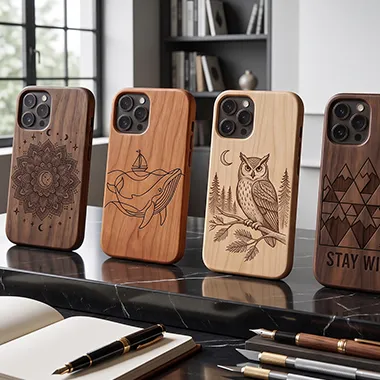
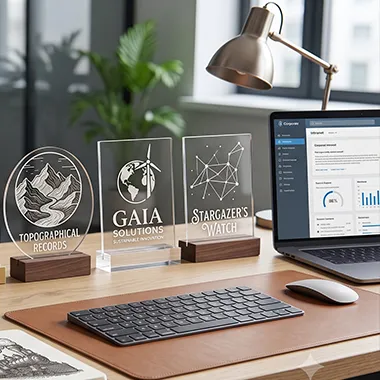
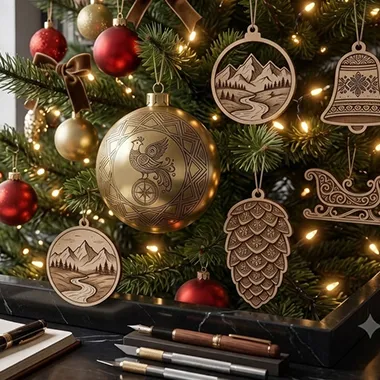
Explore creative laser engraving ideas perfect for gifts, home décor, crafts, and custom products.
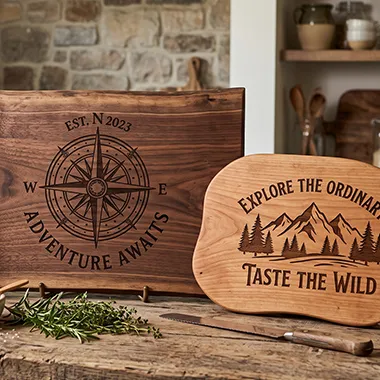
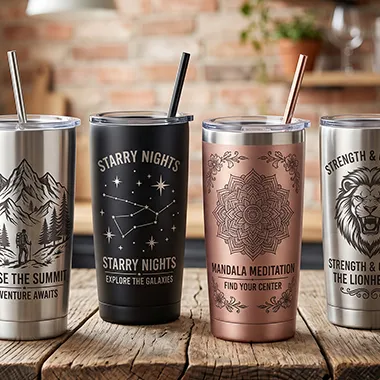
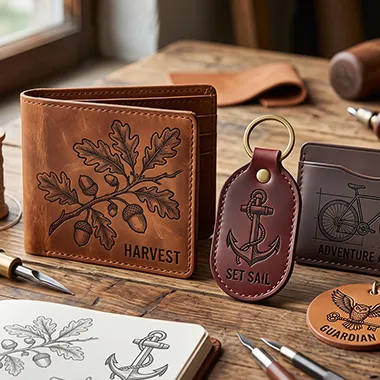
Why us
Most startups in the laser engraving and cutting industry, especially hobbyists, don’t have the budget for expensive vector tracing software. Our vectorization tool solves this problem by providing premium-quality SVG, EPS, and PDF files completely free.
Many vectorizers claim to be free but require payment before you can download your vector files. Our vectorizer is truly free and creates clean, high-quality vector files with minimal anchor points.
Try it now →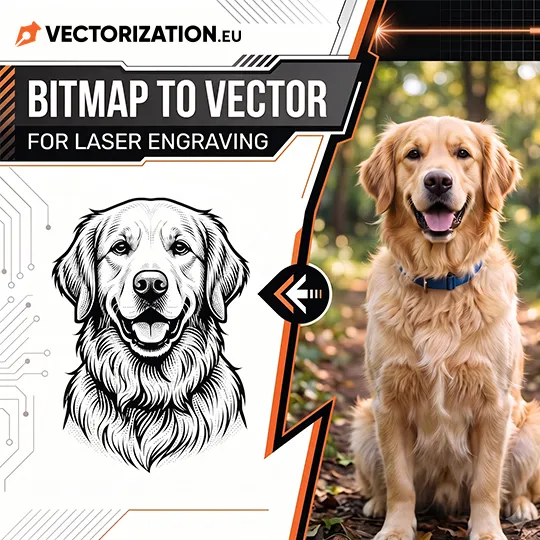
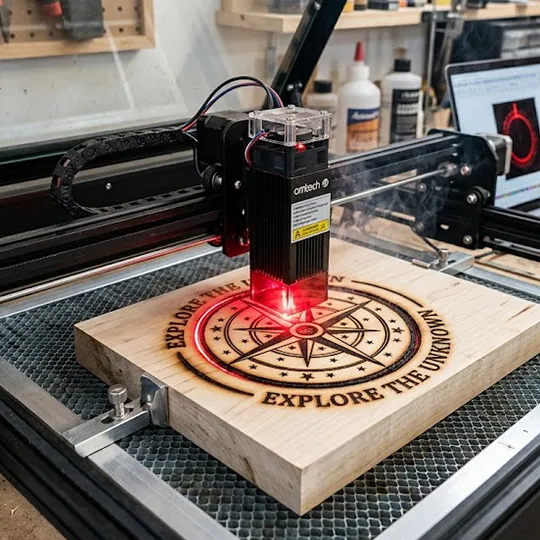
Built for the workshop
Clean paths, a low node count, single-color designs, no background, no strokes, precisely shaped paths - this is why our free vectorizer outperforms the competition.
Optimized paths with fewer anchor points and merged shapes, for smooth, accurate engraving on any custom product.
Most tracing tools cost $8-$12/month. Ours is completely free forever, with results as good as, or better than, paid tools.
Export as EPS, PDF, SVG or DXF - fully compatible with LightBurn, Glowforge, RDWorks, AutoCAD, Fusion 360, SolidWorks and xTool Studio.
The average conversion takes just 2–6 seconds. Processing time may increase for highly detailed or high-resolution artwork.
Trusted by makers
Vectorization.eu is one of the longest-running online vectorization tools, with more than 10 years of experience and millions of successful conversions. Below are authentic G2 reviews from users who regularly rely on our vector tracer.
I absolutely love the advanced vector tracing feature of this tool. It is simple yet powerful, making the tracing process effortless while giving me precise control over color details, smoothness, and overall image complexity to achieve high-quality results.
What I like most about the Free Vectorization Tool is how quickly and easily it converts standard healthcare graphics into scalable SVG files without requiring any advanced knowledge of design software.
The biggest advantage is how quickly this vectorizer transforms PNG and JPG images into clean, scalable vector files without the need for complicated software. The process is simple and efficient, and the exported SVG files are ready to use for logos, icons, and various design projects.
Authentic reviews on G2.com →
FAQ
Yes. SVG files generated by our vectorization tool are compatible with any laser engraving software that supports the SVG format. You can easily import them into popular applications such as LightBurn, LaserGRBL, EZCAD, RDWorks, xTool Creative Space, LaserPecker Design Space, Glowforge App, Atomstack Studio, and Ortur Laser Master Software.
You can upload virtually any raster image format to our free vectorizer, including JPG, PNG, HEIC, AVIF, WEBP, BMP, and TIFF. For the best results, we recommend using images with a white background. During the vectorization process, the white background is automatically converted to transparent.
No. We do not permanently store your uploaded images or generated vector files. All exported vector files are automatically deleted from our servers after 10 minutes, ensuring your files remain private and secure.
Yes, vector files created with our vectorizer are compatible with virtually any laser engraving machine, including popular models such as the xTool D1 Pro, xTool P2, Glowforge Pro, LaserPecker 4, Ortur Laser Master 3, Atomstack X20 Pro, Sculpfun S30 Pro, Creality Falcon2, Epilog, Trotec, Dremel, and CO2 Lasers. Our vector files are optimized for laser engraving, laser cutting, and other CNC applications. Simply import the SVG file into your laser engraving software and start your project.
Vector graphics are based on geometric objects. Textures, complex color blends, and very detailed photos are difficult to vectorize. Because of this, you need to simplify the image and reduce the number of details. AI software can help greatly with this process.
Laser engraving can be used to personalize a wide variety of products, including wooden signs, cutting boards, personalized keychains, metal business cards, jewelry (such as rings, bracelets, and pendants), wooden coasters, glass bottles and jars, picture frames, custom trophies and awards, dog tags and pet accessories, notebook covers and journals, guitar picks and musical accessories, rubber stamps, wedding invitations and decorations, Christmas ornaments, engraved tools and equipment, custom plaques and nameplates, wooden toys, slate signs, custom QR code plaques, and engraved metal tags and labels.
Upload an image and get a clean, laser-ready vector file in seconds - completely free, no signup required.
Convert your image now