❓ What does the PDF Compress tool do?
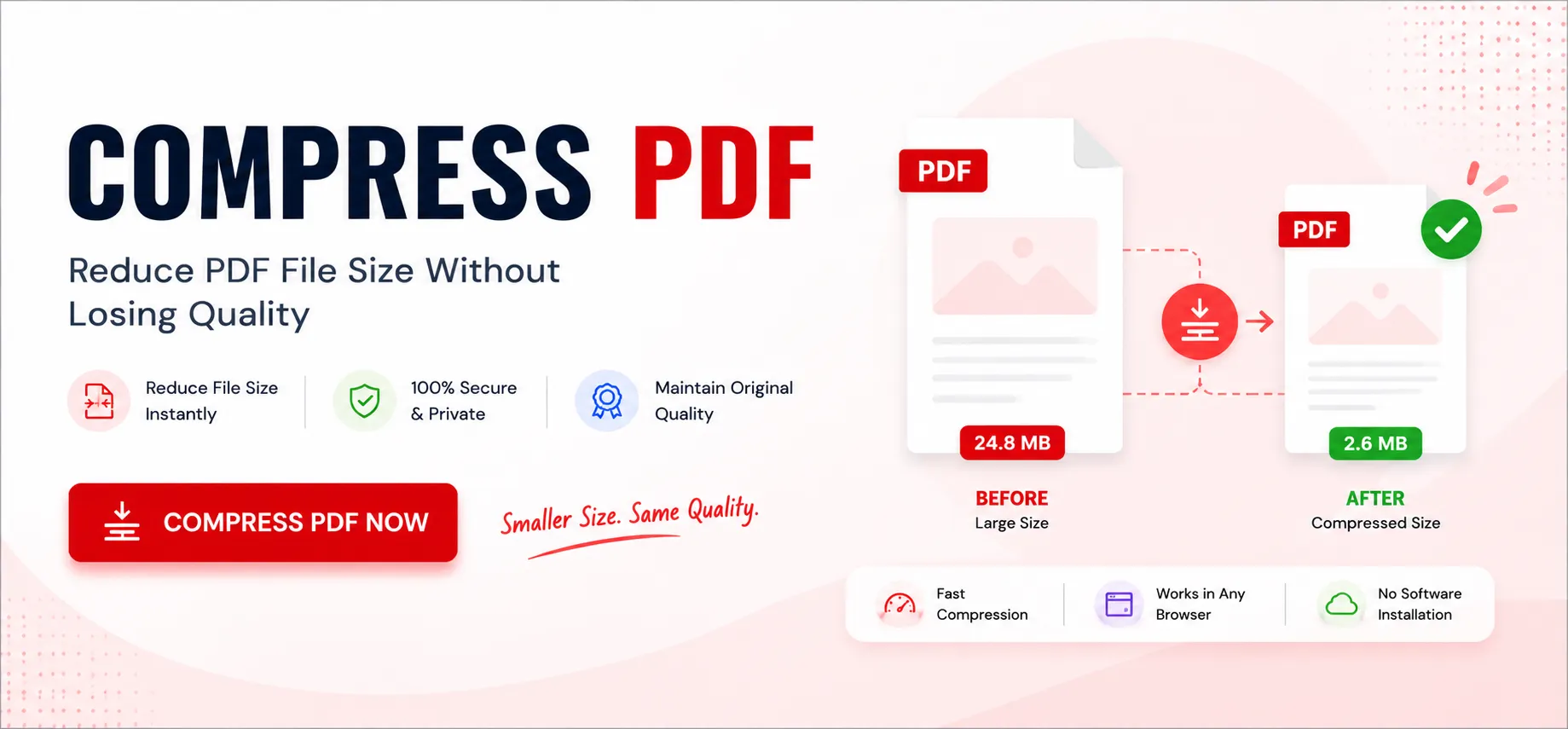
The PDF Compress tool reduces the file size of your PDF document so it is easier to send by email, upload to a website, or store. You can choose between High, Medium and Low compression levels depending on how much you want to prioritize file size versus visual quality.
❓ Will compressing my PDF affect its quality?
Yes, to some degree. Higher compression levels produce smaller files but reduce image quality slightly, while lower compression levels keep more detail at the cost of a larger file. You can compare the estimated size for each level before downloading.
❓ What is the difference between High, Medium and Low compression?
High compression produces the smallest file size with standard quality, suitable for sharing or archiving. Medium compression offers a balance between size and quality. Low compression produces the largest file size but retains the highest quality, ideal for documents containing detailed images or graphics.
❓ How is the estimated size calculated?
The estimated size is calculated by analyzing your uploaded PDF and applying the selected compression settings to a sample of its pages. The result gives you a close approximation of the final file size before you commit to downloading.
❓ Is there a limit on the size of the PDF I can upload?
No, there are no limits. You can upload a PDF of any size. However, very large files or documents with many pages may take a few extra seconds to process in the browser.
❓ Does compressing a PDF affect its formatting?
No. The layout, fonts, and page structure remain unchanged after compression. Only unnecessary data and oversized elements are optimized.
❓ Can I compress password-protected PDFs?
Password-protected PDFs generally need to be unlocked before compression unless the tool specifically supports encrypted files.