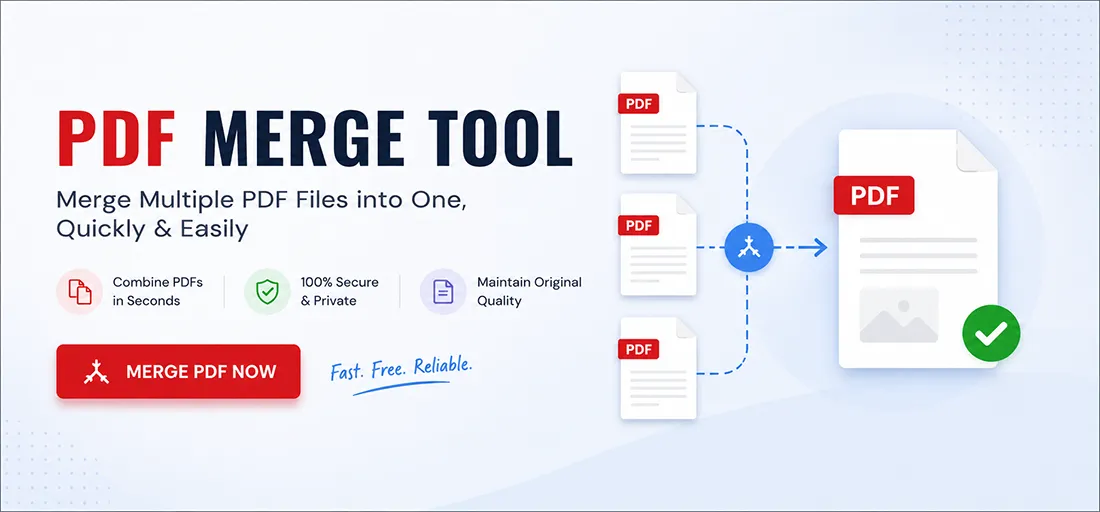
❓ What does the PDF Merge tool do?
The PDF Merge tool combines multiple PDF documents into a single file. Instead of uploading dozens of separate PDF attachments, you can merge them into one convenient document. This is especially useful for sharing files with friends, customers, or colleagues. Merging PDFs is also helpful for printing, as you can print everything with a single click instead of opening multiple files.
❓ Will merging PDFs affect the quality of my documents?
No. The visual quality of your PDF documents remains unchanged after merging. The only difference may be the file size, which can increase because the new document contains multiple PDFs combined into one.
❓ Can I change the order of the uploaded PDFs?
Yes. You can easily reorder your uploaded PDFs before merging them. Use the up and down arrows next to each file to arrange them in the desired order.
❓ Is there a limit on the size or number of uploaded PDF files?
No, there are no limits. You can upload as many PDF files as you need and of any size. However, larger files may take longer to process.
❓ The exported PDF file is too large. What can I do?
You can use our PDF Optimizer tool to significantly reduce the file size of the merged PDF. This is useful if you need to save storage space or upload the file online.
❓ Who is the PDF Merge tool for?
This tool is suitable for everyone, including students, businesses, researchers, accountants, lawyers, and everyday users who need to submit a single PDF document to government offices, banks, schools, or other institutions.
❓ What should I do if I have problems merging PDF files?
You can search for solutions online or on YouTube. If you still cannot resolve the issue, use the contact link at the bottom of our website to reach our customer support team, and we will be happy to assist you.